


- Posts: 25
- Thank you received: 0
Kunena 7.0.4 Released
The Kunena team has announce the arrival of Kunena 7.0.4 [K 7.0.4] in stable which is now available for download as a native Joomla extension for J! 5.4.x/6.0.x. This version addresses most of the issues that were discovered in K 6.2 / K 6.3 / K 6.4 and issues discovered during the last development stages of K 7.0
Question Kunena upgrade results in horribly broken menu
9 years 7 months ago #180273
by Rajada
Replied by Rajada on topic Kunena upgrade results in horribly broken menu
Ah, my bad, I didn't realize there was a Kunena-specific template editor. That improved all the buttons which seemed to be conflicting with my main css.
Here is a screen cap of the remaining issue. Note the text under the arrow.

Here is a screen cap of the remaining issue. Note the text under the arrow.
Please Log in or Create an account to join the conversation.


9 years 7 months ago #180275
by 810
Replied by 810 on topic Kunena upgrade results in horribly broken menu
should be gone, after my fix above
Please Log in or Create an account to join the conversation.
9 years 7 months ago - 9 years 7 months ago #180281
by Rajada
Replied by Rajada on topic Kunena upgrade results in horribly broken menu
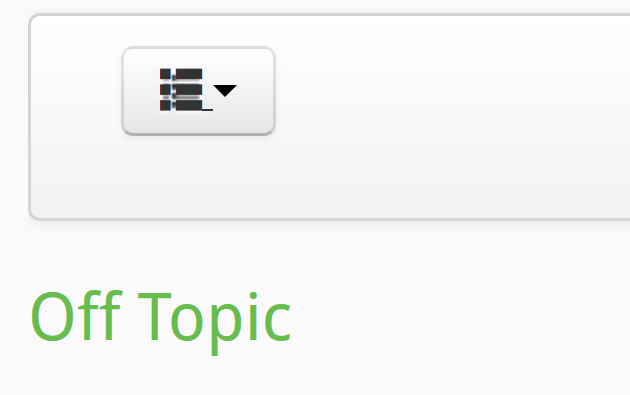
No, that fixed the main rectangular buttons, but didn't do anything to the arrows. I'm not 100% familiar with this template yet, are you sure this was the right class to modify? According to my dev tools class = icon-arrow-down. Additionally, I'm finding that I think these are actually images, not text. Zooming in on certain icons shows a low-res version of the same icon. Here are the examples I could find.
Last edit: 9 years 7 months ago by Rajada.
Please Log in or Create an account to join the conversation.
9 years 7 months ago #180282
by Rajada
Replied by Rajada on topic Kunena upgrade results in horribly broken menu
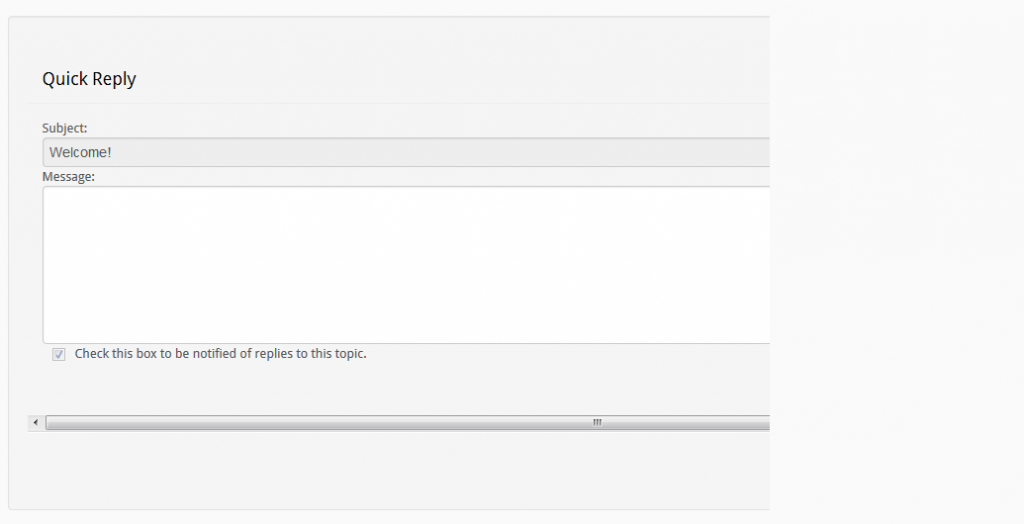
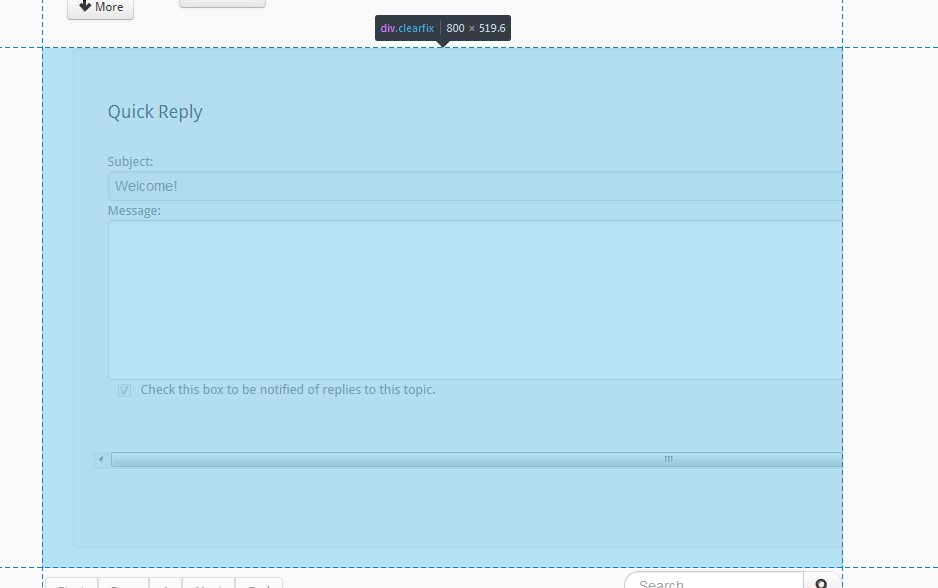
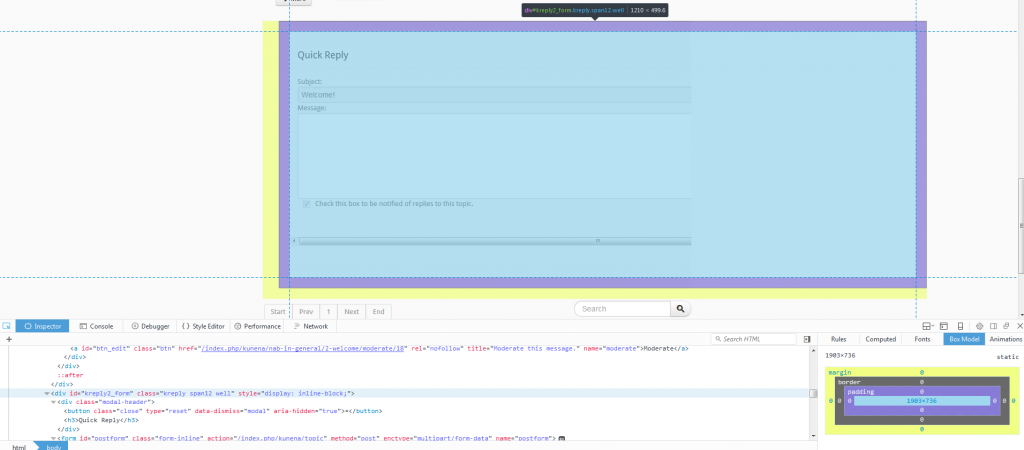
More template trouble. Seems the quick reply box is sizing to my content width, but the div around it is not.
Please Log in or Create an account to join the conversation.
9 years 7 months ago #180315
by Rajada
Replied by Rajada on topic Kunena upgrade results in horribly broken menu
Adding the same CSS to the custom.css file fixed the icons (had to add the layout specifier though). Specifying some max widths for the quick reply box fixed the other issue.
Code:
div.modal-body{
max-width: 700px;
}
div.clearfix{
max-width: 700px;
}
div.kreply{
max-width: 700px;
}
input#subject.inputbox{
max-width: 656px;
}
#kunena.layout [class^='icon-'], [class*=' icon-'] { background-image: none;}
.btn:hover {background-color: none;}
a {text-decoration: none;}
Please Log in or Create an account to join the conversation.
9 years 6 months ago #181063
by Rajada
Replied by Rajada on topic Kunena upgrade results in horribly broken menu
Sorry to say, 5.0.3 brought back this icon issue and the custom css no longer fixes it.
Please Log in or Create an account to join the conversation.
Time to create page: 0.263 seconds