


- Posts: 770
- Thank you received: 126
Kunena 7.0.9 & Kunena 6.4.14 – Security Updates Released
The Kunena team has announce the arrival of Kunena 7.0.9 [K 7.0.9] in stable which is now available for download as a native Joomla extension for J! 5.4.x/6.0.x./6.1.x. This version addresses most of the issues that were discovered in K 6.2 / K 6.3 / K 6.4 and issues discovered during the last development stages of K 7.0
Question Smartphone Emoticons Management
6 months 3 weeks ago #234719
by Gindi
 I hope I can fulfil your wish.

Replied by Gindi on topic Smartphone Emoticons Management
Please Log in or Create an account to join the conversation.

6 months 2 weeks ago #234784
by guidocx84
Hi Gindi, yes! Thanks!
I attach the screenshot of the e-mail I have received when you have replied to this topic.
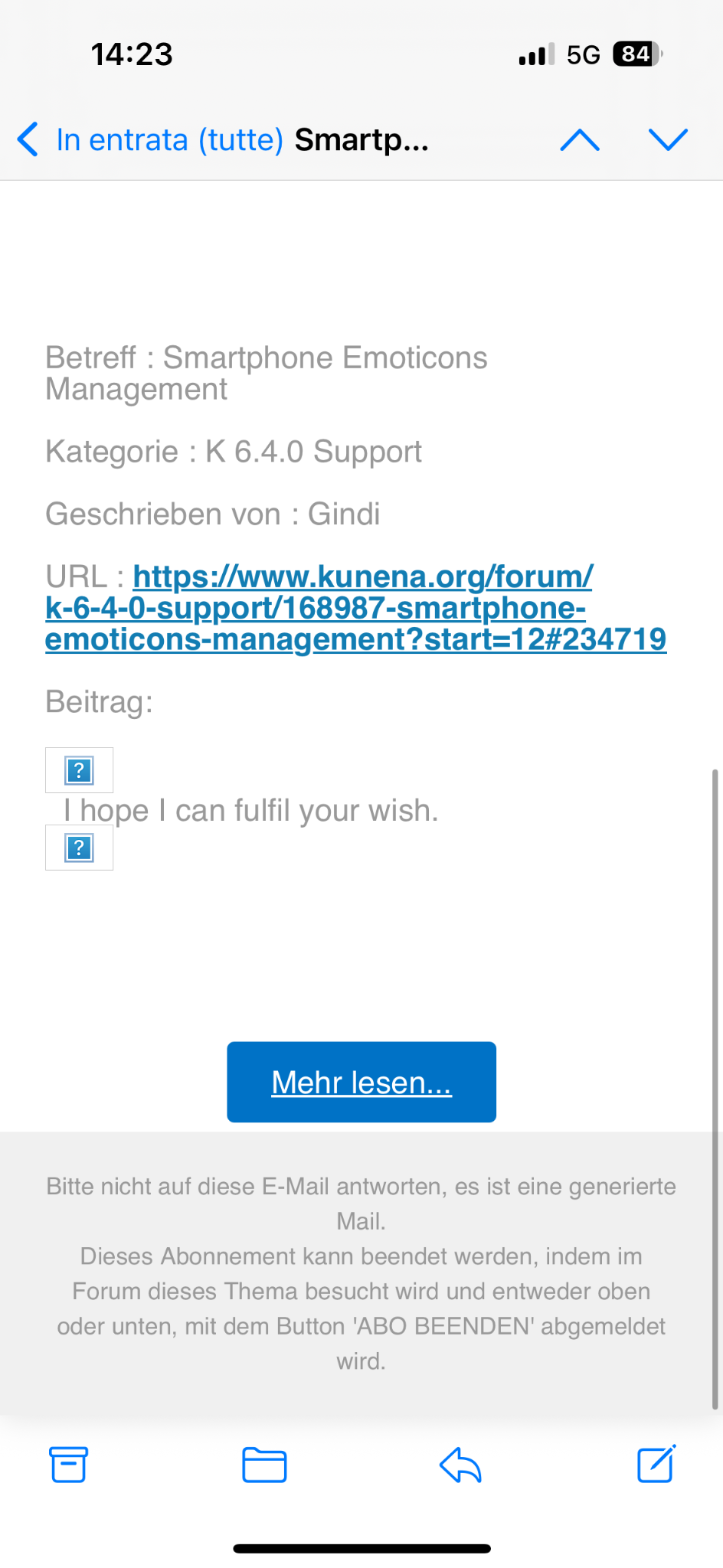
I have opened it with "Mail" by Apple iOS (but it's the same with Thunderbird on Windows 10 for example).
As you can see, the emoticon aren't visibile in the e-mail.
Replied by guidocx84 on topic Smartphone Emoticons Management
I hope I can fulfil your wish.
Hi Gindi, yes! Thanks!
I attach the screenshot of the e-mail I have received when you have replied to this topic.
I have opened it with "Mail" by Apple iOS (but it's the same with Thunderbird on Windows 10 for example).
As you can see, the emoticon aren't visibile in the e-mail.
The following user(s) said Thank You: Gindi
Please Log in or Create an account to join the conversation.
6 months 2 weeks ago #234787
by Gindi
Replied by Gindi on topic Smartphone Emoticons Management
Yes, I’m familiar with that problem. It’s down to how the emoticons are addressed. In earlier versions of Kunena up to Joomla 4, the emoticon code was passed through. After that, it was changed, and now the URL of the emoticons is passed through. That’s why the emoticons can’t be displayed in emails and local backups because the address is incorrect.
Sometimes I look up the codes in the emoticon folder and copy them into the message; that way, they’ll also appear in a local backup.
Sometimes I look up the codes in the emoticon folder and copy them into the message; that way, they’ll also appear in a local backup.
Please Log in or Create an account to join the conversation.
6 months 2 weeks ago #234788
by guidocx84
Thanks for your answer. I don’t understand your solution.
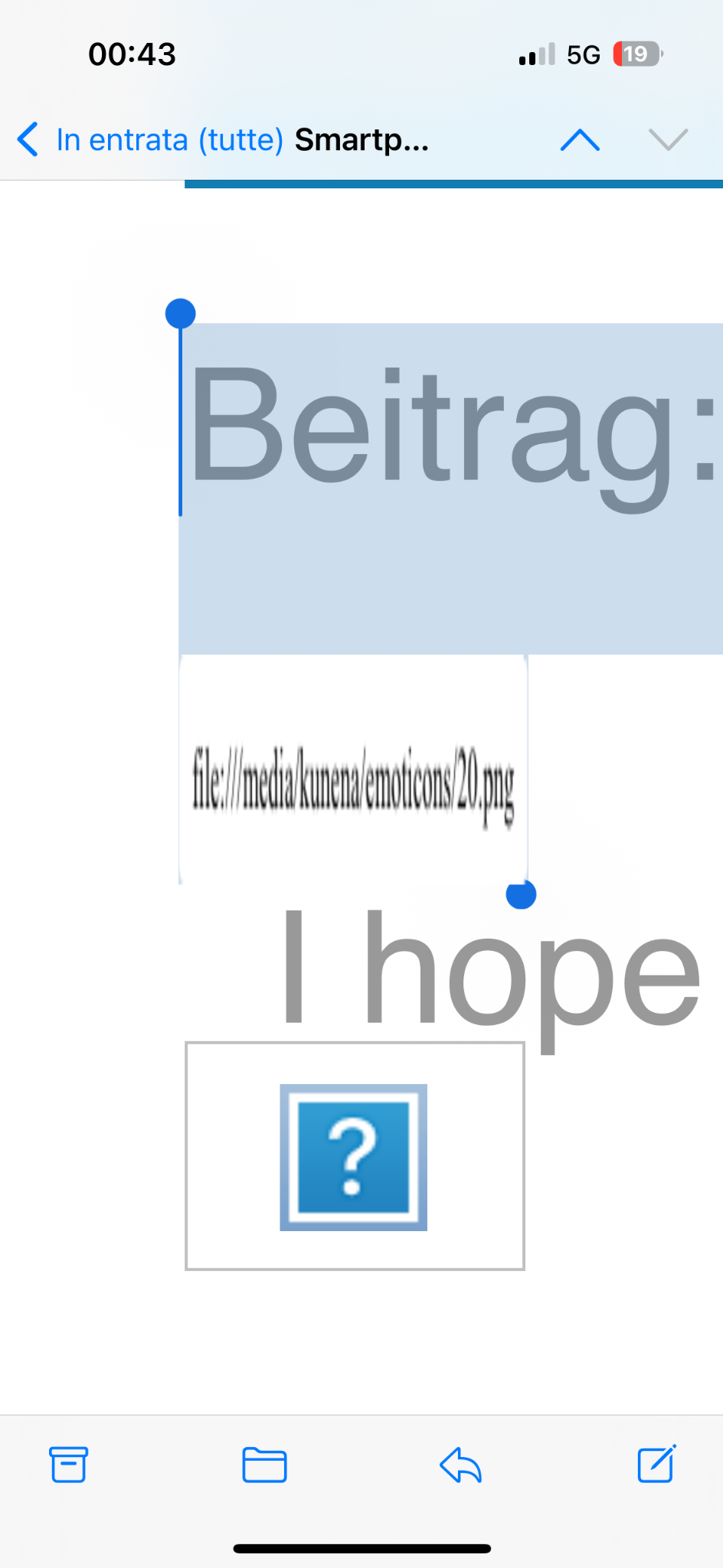
Anyway, is it possible that the issue is related to the fact that in the email template the emoticons are referred by relative path instead of absolute path?
Replied by guidocx84 on topic Smartphone Emoticons Management
Yes, I’m familiar with that problem. It’s down to how the emoticons are addressed. In earlier versions of Kunena up to Joomla 4, the emoticon code was passed through. After that, it was changed, and now the URL of the emoticons is passed through. That’s why the emoticons can’t be displayed in emails and local backups because the address is incorrect.
Sometimes I look up the codes in the emoticon folder and copy them into the message; that way, they’ll also appear in a local backup.
Thanks for your answer. I don’t understand your solution.
Anyway, is it possible that the issue is related to the fact that in the email template the emoticons are referred by relative path instead of absolute path?
Please Log in or Create an account to join the conversation.
6 months 2 weeks ago #234800
by Gindi
Replied by Gindi on topic Smartphone Emoticons Management
I think it’s because of the open square bracket in the emoticon. [img
Apparently, this only works in Kunena.
Apparently, this only works in Kunena.
Please Log in or Create an account to join the conversation.
6 months 1 week ago - 6 months 1 week ago #234837
by Gindi
Replied by Gindi on topic Smartphone Emoticons Management
I’ve looked into the issue of emoticons again and have identified two possible reasons why they aren’t displaying.
One possibility is that Kunena uses the absolute path to display the emoticons.
The second possibility is the character set. The emoticons in Kunena require the utf8mb4 character set to display properly; utf8 is usually not sufficient. They then appear as ?.
One possibility is that Kunena uses the absolute path to display the emoticons.
The second possibility is the character set. The emoticons in Kunena require the utf8mb4 character set to display properly; utf8 is usually not sufficient. They then appear as ?.
Last edit: 6 months 1 week ago by Gindi.
Please Log in or Create an account to join the conversation.
Time to create page: 0.258 seconds