Kunena 7.0.9 & Kunena 6.4.14 – Security Updates Released

The Kunena team has announce the arrival of Kunena 7.0.9 [K 7.0.9] in stable which is now available for download as a native Joomla extension for J! 5.4.x/6.0.x./6.1.x. This version addresses most of the issues that were discovered in K 6.2 / K 6.3 / K 6.4 and issues discovered during the last development stages of K 7.0

Question Image Insert not working?

More
5 years 8 months ago #215006 by rich
Replied by rich on topic Image Insert not working?
I can't imagine it, but you can try it here in our test category , so you can see if there is any difference between your PCs.

Important! Always create a backup before you make any changes to your website!

Please Log in or Create an account to join the conversation.

More
5 years 8 months ago #215011 by larbut
Replied by larbut on topic Image Insert not working?

rich wrote: I can't imagine it, but you can try it here in our test category , so you can see if there is any difference between your PCs.

Did test with both PC's on the test category, and it behaves like you have described, Rich.

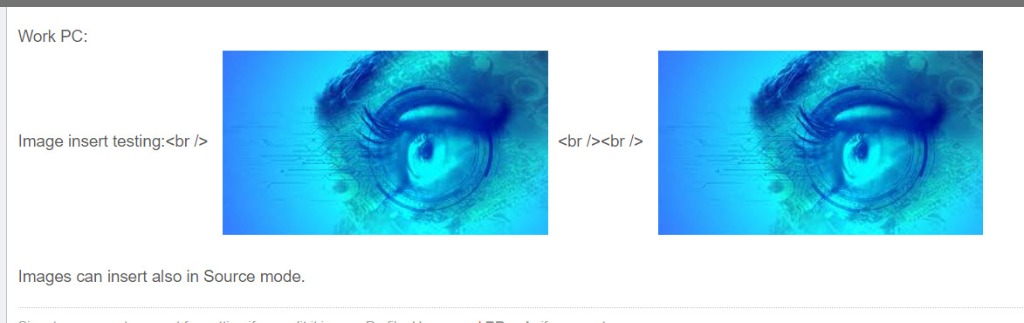
Did the same test on my site, with the same two PCs, andthey do behave the same, but on my site I am able to insert images also when in Source mode and when inserting in Source-mode I get <br> inserts into the text, like this:
 

Also, one of my users are reporting a "not enough memory" error when inserting images. Don't know if that is related.

PS:also found that my custom Rank names has been replaced by "standard" names after the last update  (5.2.1)
 

Please Log in or Create an account to join the conversation.

More
5 years 8 months ago #215022 by rich
Replied by rich on topic Image Insert not working?
Also, one of my users are reporting a "not enough memory" error when inserting images. Don't know if that is related. 
The requirements on your server (according to your configuration report) are enough. Have you installed many extensions? Maybe it helps if you empty the memory.

 PS:also found that my custom Rank names has been replaced by "standard" names after the last update (5.2.1)

Go in the backend to Kunena -> Ranks and click on a rank name. You will see a code like COM_KUNENA_SAMPLEDATA_RANK2. These language codes has been added, so you can use different rank names if you use a multilingual web page. You can use these strings for a language override .
If you don't need this, then enter the rank names instead of the codes. 
But do not add different questions to this topic please, the ranks have nothing to do with image upload.

Important! Always create a backup before you make any changes to your website!

Please Log in or Create an account to join the conversation.

Time to create page: 0.268 seconds