


- Posts: 37
- Thank you received: 0
Kunena 7.0.9 & Kunena 6.4.14 – Security Updates Released
The Kunena team has announce the arrival of Kunena 7.0.9 [K 7.0.9] in stable which is now available for download as a native Joomla extension for J! 5.4.x/6.0.x./6.1.x. This version addresses most of the issues that were discovered in K 6.2 / K 6.3 / K 6.4 and issues discovered during the last development stages of K 7.0
Please Read This First:
This is a community-driven self-help category to ask questions about designing or developing your own Kunena template. Please be aware that there are rules that apply to topics posted in this category:
Do not use this category for:
Topics that do not meet the above guidelines may be removed without notice.
If you are having problems then, for your own benefit, it would save us all a lot of time if you would kindly post your configuration report when you ask for help from this forum. If you do not post your configuration report we will not ask you for it but you will probably not get your problem solved, either.
This is a community-driven self-help category to ask questions about designing or developing your own Kunena template. Please be aware that there are rules that apply to topics posted in this category:
Do not use this category for:
- asking questions about how to make simple changes to a template designed by the Kunena project team (use K 3.0 Templates instead);
- advertising your own template designs.
Topics that do not meet the above guidelines may be removed without notice.
If you are having problems then, for your own benefit, it would save us all a lot of time if you would kindly post your configuration report when you ask for help from this forum. If you do not post your configuration report we will not ask you for it but you will probably not get your problem solved, either.
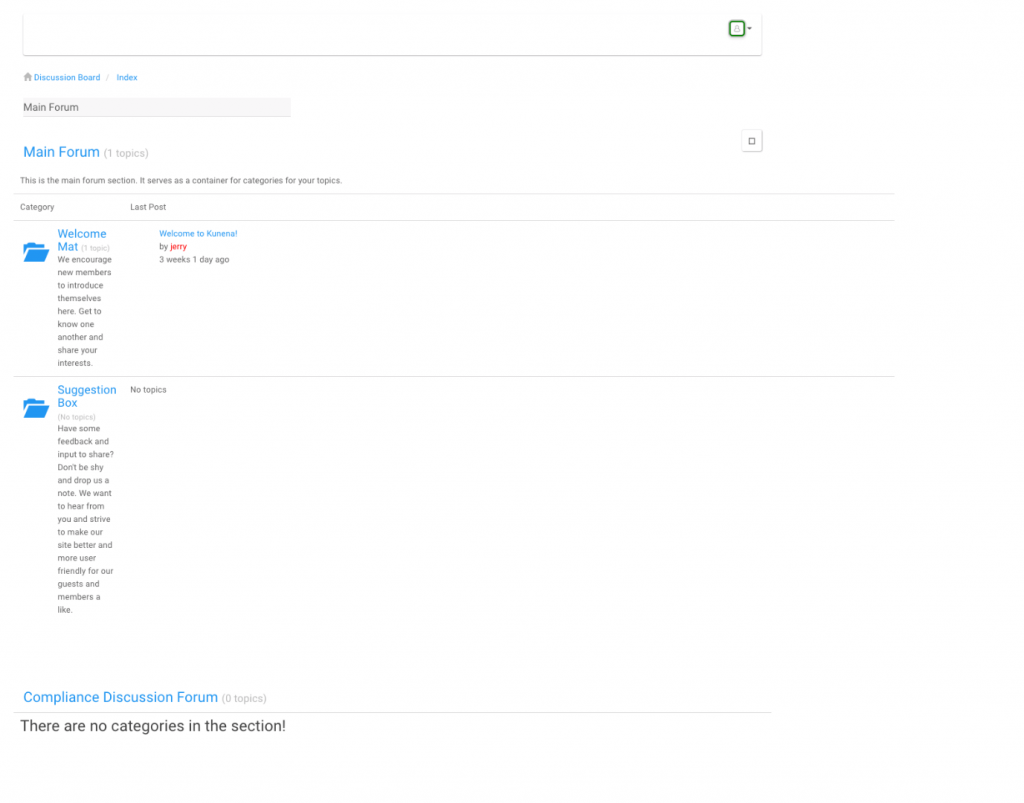
Question My cripsis template in Kunena 5.0.1 looks wrong


Time to create page: 0.329 seconds