
Kunena 7.0.5 & Kunena 6.4.11 – Security Updates Released
The Kunena team has announce the arrival of Kunena 7.0.5 [K 7.0.5] in stable which is now available for download as a native Joomla extension for J! 5.4.x/6.0.x. This version addresses most of the issues that were discovered in K 6.2 / K 6.3 / K 6.4 and issues discovered during the last development stages of K 7.0.
The Kunena team is also pleased to announce the eleventh version of Kunena 6.4, a native Joomla extension for Joomla! 5.0, 5.1, 5.2, 5.3, 5.4 and 6.0.
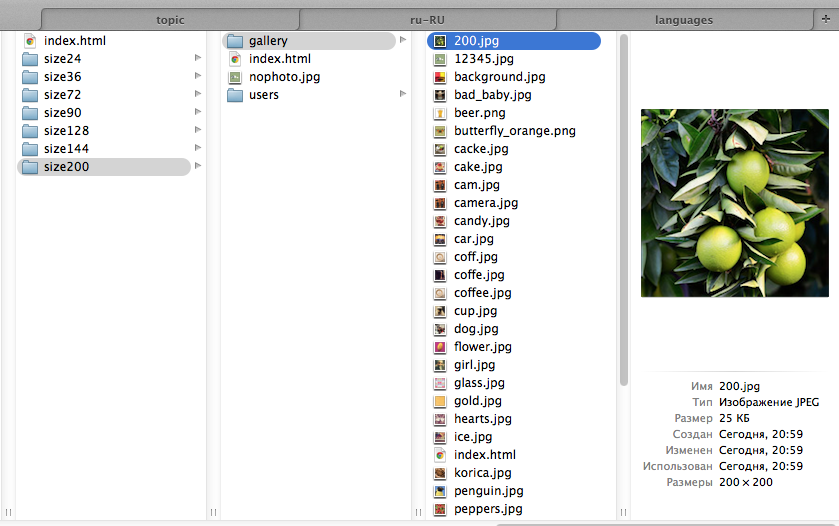
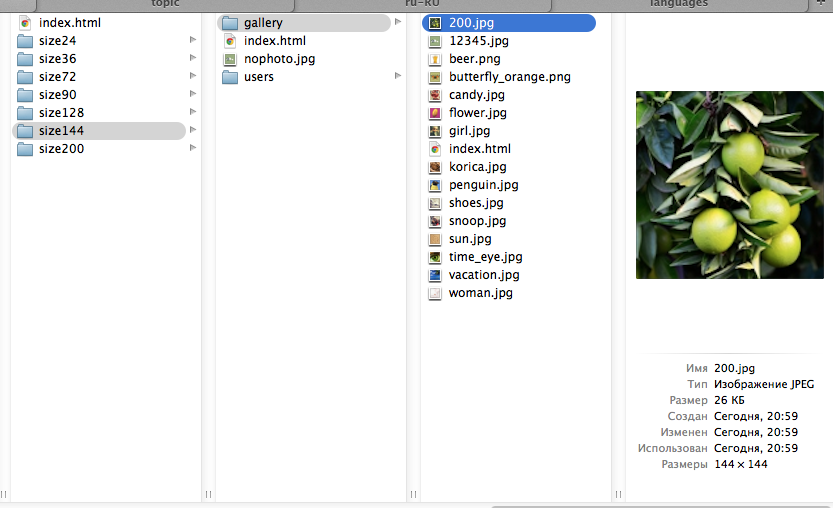
Solved Resizing avatar gallery images (200px)


afterburner wrote: I do not understand why the avatars of varying quality
I'm sorry but I just do not know the answer. Maybe someone else knows the answer. :blush:sozzled wrote: I do not know how these "resized" gallery folders work.
Blue Eagle vs. Crypsis reference guide
Read my blog and

Please Log in or Create an account to join the conversation.
- afterburner
-
 Topic Author
- Offline
- Senior Member
-

- Posts: 116
- Thank you received: 2
:dry:
need to find a resized algorithm
Please Log in or Create an account to join the conversation.
- afterburner
-
Topic Author
- Offline
- Senior Member
-
- Posts: 116
- Thank you received: 2
I will try to change the path to the folder
Please Log in or Create an account to join the conversation.
As I have written before, I do not know how this works in Kunena. Perhaps someone else knows. This is a mystery to me.afterburner wrote: sozzled , tell me which file is assigned an avatar in the post?
I will try to change the path to the folder
Blue Eagle vs. Crypsis reference guide
Read my blog and
Please Log in or Create an account to join the conversation.
- afterburner
-
Topic Author
- Offline
- Senior Member
-
- Posts: 116
- Thank you received: 2
I delete all fields exept default="200"in template.xml file of Blue Eagle template.( components / com_kunena / template / blue_eagle / )
and then changed the values to 200
in libraries > kunena > integration > avatar.php
and yooooo - all avatars in best (200px) quality .
:woohoo:
Please Log in or Create an account to join the conversation.
Blue Eagle vs. Crypsis reference guide
Read my blog and
Please Log in or Create an account to join the conversation.