


- Posts: 12279
- Thank you received: 2534
Kunena 7.0.4 Released
The Kunena team has announce the arrival of Kunena 7.0.4 [K 7.0.4] in stable which is now available for download as a native Joomla extension for J! 5.4.x/6.0.x. This version addresses most of the issues that were discovered in K 6.2 / K 6.3 / K 6.4 and issues discovered during the last development stages of K 7.0
Solved How to change the user signature in Kunena 6.2.1
2 years 4 months ago #230039
by rich
Important! Always create a backup before you make any changes to your website!
Replied by rich on topic How to change the user signature in Kunena 6.2.1
The error has already been fixed. You can wait for the next upgrade or fix the error yourself. It is only a small correction in
/components/com_kunena/template/aurelia/layouts/user/edit/default.php line 54 (see here) .
Change line 54 from
to
/components/com_kunena/template/aurelia/layouts/user/edit/default.php line 54 (see here) .
Change line 54 from
Code:
<input type="hidden" name="userid" value="<?php echo (int) $this->user->id; ?>"/>
Code:
<input type="hidden" name="userid" value="<?php echo (int) $this->profile->userid; ?>"/>
Important! Always create a backup before you make any changes to your website!
Please Log in or Create an account to join the conversation.


2 years 4 months ago - 2 years 4 months ago #230040
by lemur
- - - - - - - - -
Signature:
Many thanks to Rich and the other advisors.
Replied by lemur on topic How to change the user signature in Kunena 6.2.1
Thank you very much.
But since you haven't closed the topic, I'll report another problem related to it.
If I click on the "Profile" menu item, a window opens with the information
"Profile von admin
Online
Benutzertyp: Administrator
Rang: Администратор Администратор
Registriert seit: 04 Nov. 2018
Zuletzt angemeldet: 02 Dez. 2023 13:37"
etc.
However, below the right-menu, not very well-organized information is shown, to view which you need to move the screen (and I have a large one) right -left and vice versa.
I am attaching a screenshot of how it looks with a zoom of -50%.
In case you are not satisfied with the enlarged view, I attach two more screenshots of the left and right parts.
I have updated the "jo.geschichte -chronologie.de" test site, to that you have access. So you can look at the situation live.
Screenshots are made on Windows 10 on Firefox.
With respect,
Leon
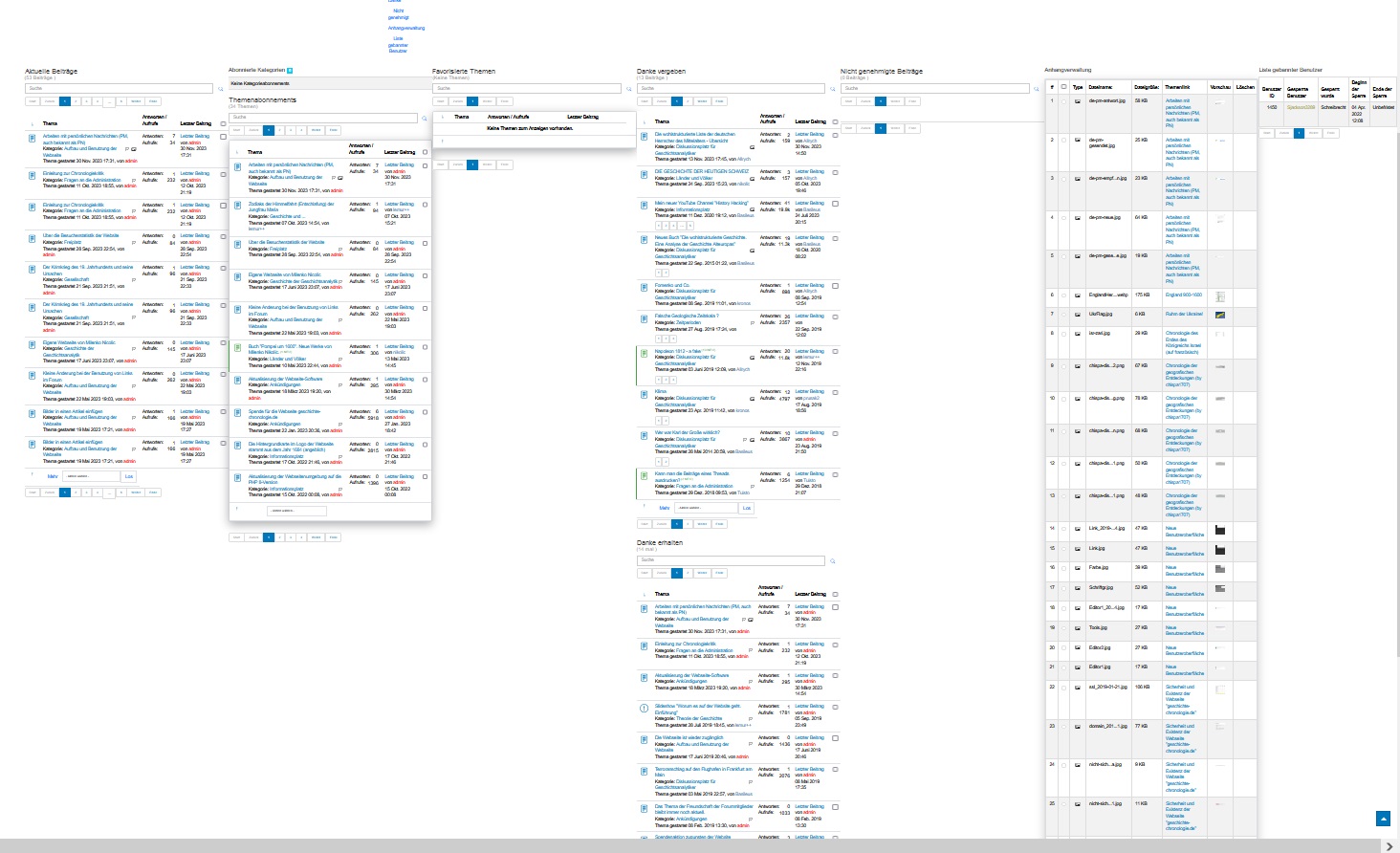
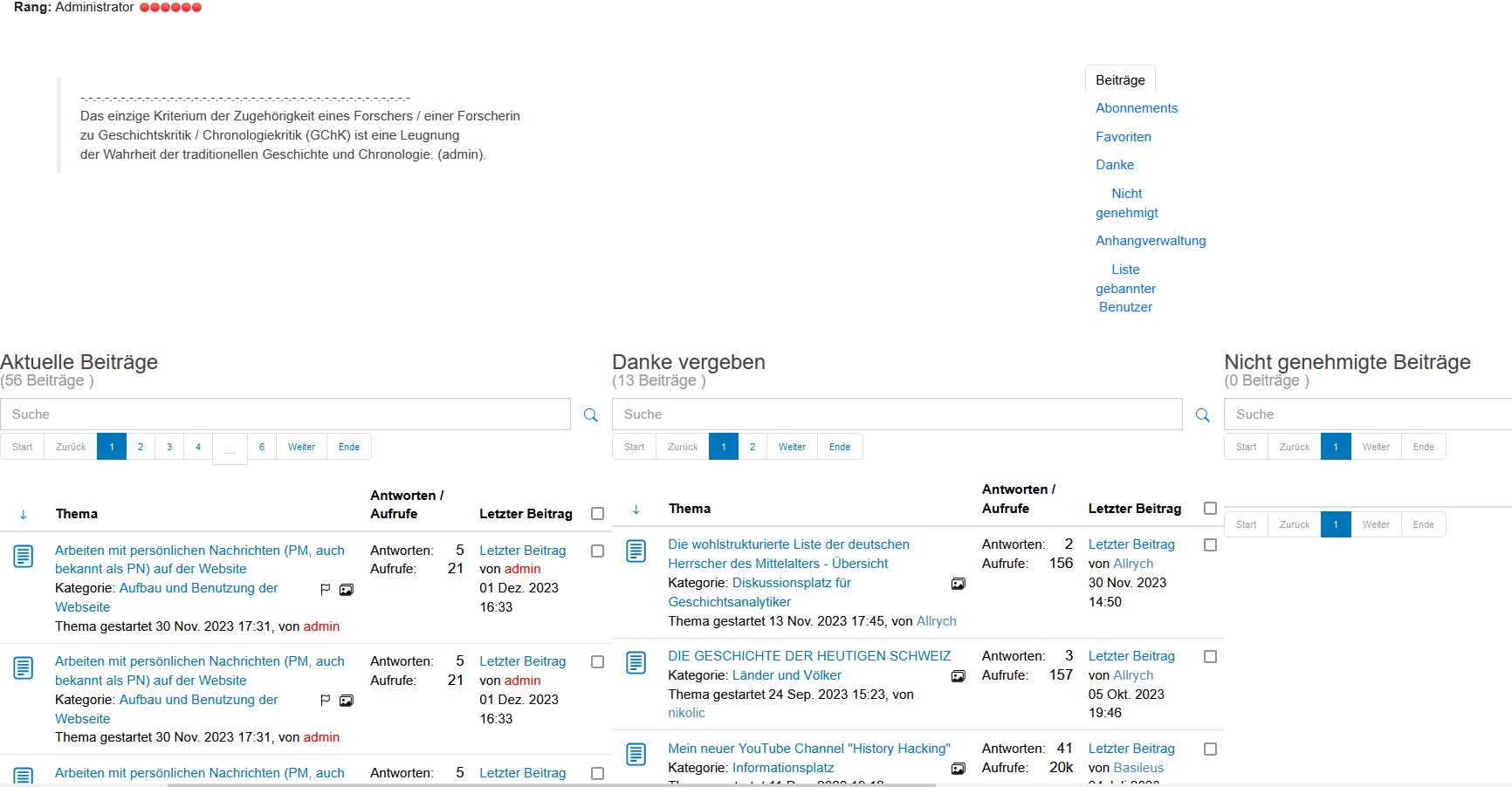
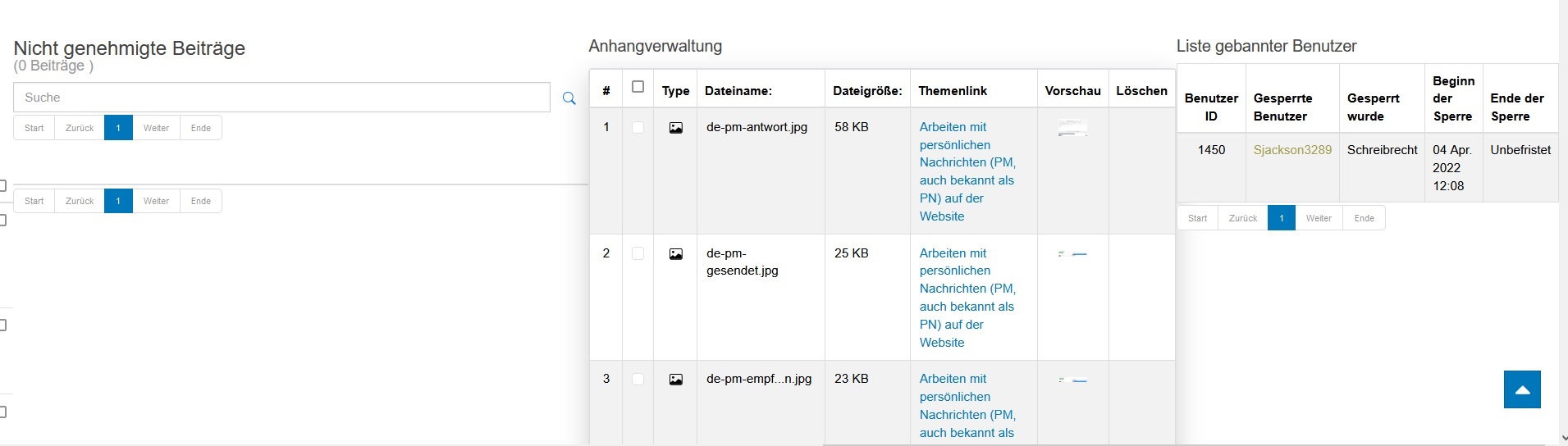
But since you haven't closed the topic, I'll report another problem related to it.
If I click on the "Profile" menu item, a window opens with the information
"Profile von admin
Online
Benutzertyp: Administrator
Rang: Администратор Администратор
Registriert seit: 04 Nov. 2018
Zuletzt angemeldet: 02 Dez. 2023 13:37"
etc.
However, below the right-menu, not very well-organized information is shown, to view which you need to move the screen (and I have a large one) right -left and vice versa.
I am attaching a screenshot of how it looks with a zoom of -50%.
In case you are not satisfied with the enlarged view, I attach two more screenshots of the left and right parts.
I have updated the "jo.geschichte -chronologie.de" test site, to that you have access. So you can look at the situation live.
Screenshots are made on Windows 10 on Firefox.
With respect,
Leon
- - - - - - - - -
Signature:
Many thanks to Rich and the other advisors.
Last edit: 2 years 4 months ago by lemur.
Please Log in or Create an account to join the conversation.
2 years 4 months ago #230043
by rich
Important! Always create a backup before you make any changes to your website!
Replied by rich on topic How to change the user signature in Kunena 6.2.1
I've created a new topic for this question.
www.kunena.org/forum/k-6-2-0-support/168...utside-of-the-screen
Important! Always create a backup before you make any changes to your website!
Please Log in or Create an account to join the conversation.
Time to create page: 0.250 seconds