


- Posts: 8
- Thank you received: 0
Kunena 7.0.4 Released
The Kunena team has announce the arrival of Kunena 7.0.4 [K 7.0.4] in stable which is now available for download as a native Joomla extension for J! 5.4.x/6.0.x. This version addresses most of the issues that were discovered in K 6.2 / K 6.3 / K 6.4 and issues discovered during the last development stages of K 7.0
Solved Own images for categorys
3 years 8 months ago #224737
by dimazik
Own images for categorys was created by dimazik
I want use own images for categorys. Kunena 6.0.2
Documentation doesn't match Kunenа 6 and Joomla 4.1.5 versions
Where can I put my own category images and connect them? Thanks
Documentation doesn't match Kunenа 6 and Joomla 4.1.5 versions
Where can I put my own category images and connect them? Thanks
Please Log in or Create an account to join the conversation.


3 years 8 months ago #224741
by Leen
With kind regards
Leen
Replied by Leen on topic Own images for categorys
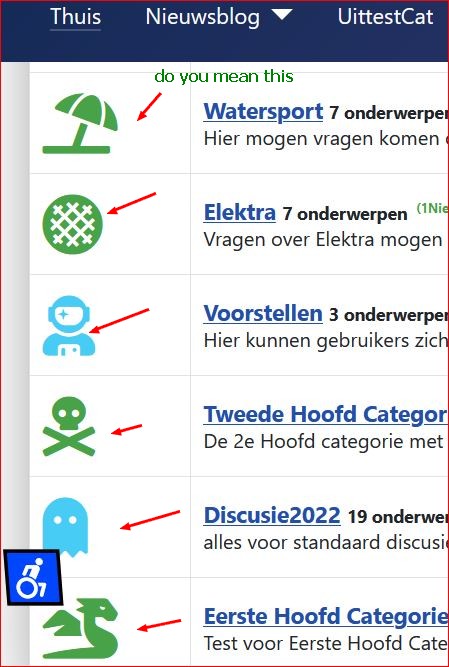
do that Kunena Forum: Categories >your category >Category Icon:
with e.g fontawesome.com/v5/search?m=free
but set the Kunena template Aurelia setting to fontawesome
with e.g fontawesome.com/v5/search?m=free
but set the Kunena template Aurelia setting to fontawesome
With kind regards
Leen


Please Log in or Create an account to join the conversation.
3 years 8 months ago - 3 years 8 months ago #224747
by dimazik
Replied by dimazik on topic Own images for categorys
Okay, it easy to use FontAwesome 5
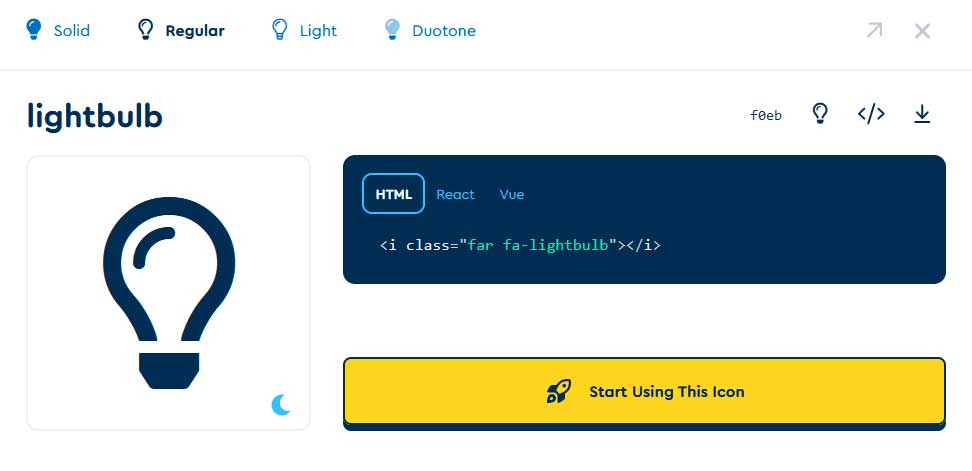
But, what about solid and regular options of icons?
The light and duotone options is not available in FontAwesome 5.
What about icons size?
But, what about solid and regular options of icons?
The light and duotone options is not available in FontAwesome 5.
What about icons size?
Last edit: 3 years 8 months ago by dimazik.
Please Log in or Create an account to join the conversation.
3 years 8 months ago - 3 years 8 months ago #224748
by Leen
With kind regards
Leen
Replied by Leen on topic Own images for categorys
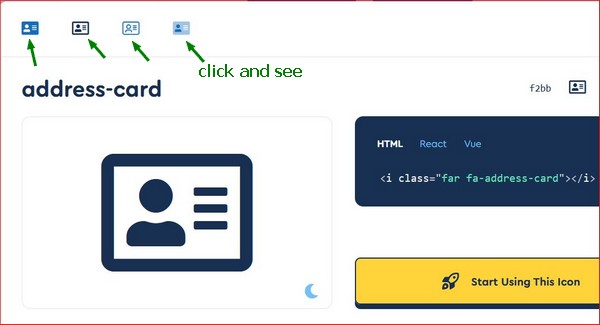
yes had to do with the appearance of the icon
filled or empty thick thin.
you can test that yourself if you click on the small icon at the top left
fontawesome.com/v5/icons/address-card?s=duotone
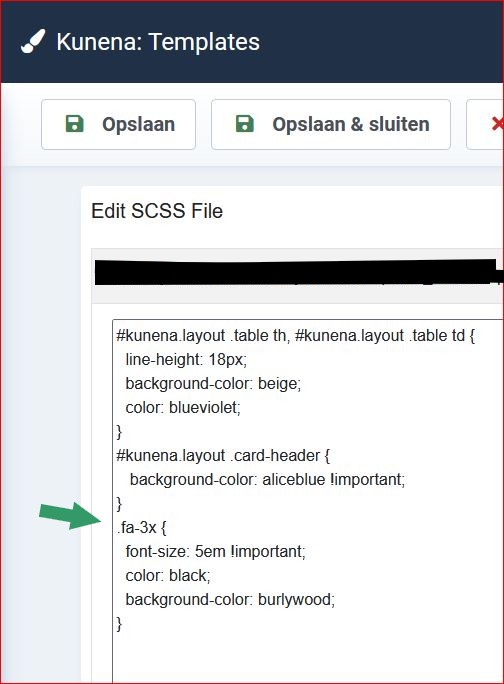
and the size and color etc you will be able to adjust with css.
but then you have to go to kunena template at the functions tab
also enable this Load External CDN Fontawesome
filled or empty thick thin.
you can test that yourself if you click on the small icon at the top left
fontawesome.com/v5/icons/address-card?s=duotone
and the size and color etc you will be able to adjust with css.
but then you have to go to kunena template at the functions tab
also enable this Load External CDN Fontawesome
With kind regards
Leen
Last edit: 3 years 8 months ago by Leen.
Please Log in or Create an account to join the conversation.


3 years 8 months ago #224749
by rich
Important! Always create a backup before you make any changes to your website!
Replied by rich on topic Own images for categorys
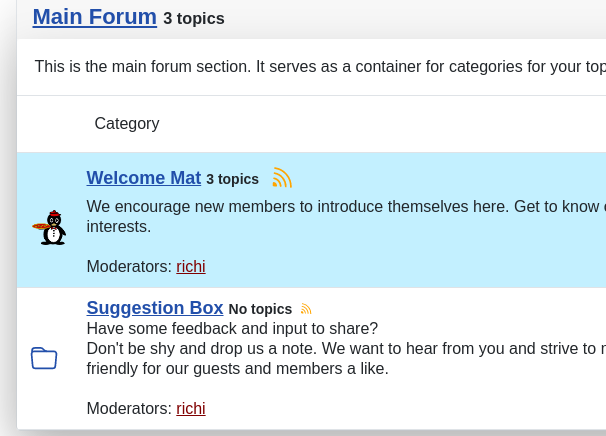
It's in principle the same as here. Only the image path is another.
docs.kunena.org/en/manual/backend/catego...-use-your-own-images
.
.
.
Code:
.icon-gs {
background-image: url(../media/kunena/images/own_icon.png);
background-repeat: no-repeat;
width: 35px;
height: 35px;
}
Important! Always create a backup before you make any changes to your website!
Please Log in or Create an account to join the conversation.
3 years 8 months ago - 3 years 8 months ago #224750
by dimazik
Replied by dimazik on topic Own images for categorys
1) image path is url (../media/kunena/images/own_) ?
I shouldn't create a new folder with images?
2) I need to edit this file ..\components\com_kunena\template\aurelia\assets\scss\ " ?
3) why does the forum cut off the full link????
I shouldn't create a new folder with images?
2) I need to edit this file ..\components\com_kunena\template\aurelia\assets\scss\ " ?
3) why does the forum cut off the full link????
Last edit: 3 years 8 months ago by dimazik.
Please Log in or Create an account to join the conversation.
Time to create page: 0.247 seconds