
Kunena 6.4.13 Released
The Kunena team has announce the arrival of Kunena 6.4.13 [6.4.13] in stable which is now available for download as a native Joomla extension for J! 5.4.x/6.0.x./6.1.x. This version addresses most of the issues that were discovered in K 6.2 / K 6.3 / K 6.4 and issues discovered during the last development stages of K 6.0
Hint: This version is primarily intended to facilitate an upgrade if Joomla was first updated to version 6.1 before Kunena was up to dated.
Solved Error Messages after J3 to J4 upgrade


Your previous errors have disapeared now ?
I don't provide support by PM, because this can be useful for someone else.
Please Log in or Create an account to join the conversation.


When I reinstalled Kunena the above error continues to appear. I also can't get to the "Report Configuration" settings
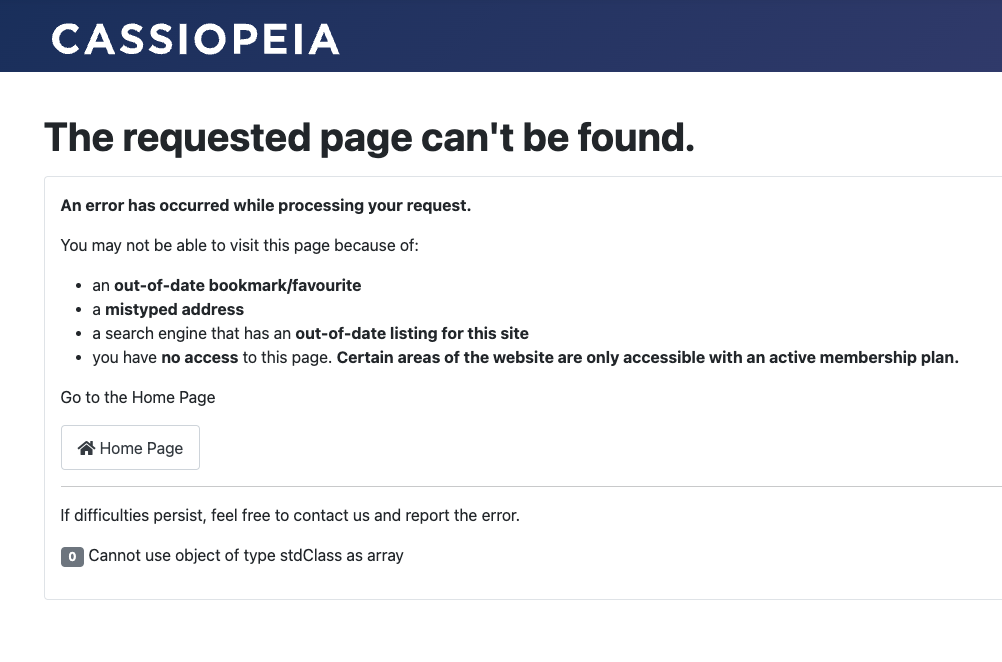
And on the front end, I still see this error message:
"0 Cannot use object of type stdClass as array"
I suspect this has something to do with the table conversion you mentioned. If it's failing is there a way to manually process that column conversion?
Please Log in or Create an account to join the conversation.


Have you ever set the server tab to maxium in the Joomla Global Configuration Error Reporting?
Perhaps the cause of your error message will then surface
maybe it's another plugin or extension that's bothering you
And do you sometimes have a link to the website?
With kind regards
Leen
Please Log in or Create an account to join the conversation.
That said, I did switch templates but still see the same error on the front end (see screenshot)
I also saw that the SQL version is 5.744, but according to your docs, the minimum needs to be 5.78. Could this be the problem with that last table not converting?
"0 Cannot use object of type stdClass as array"
Please Log in or Create an account to join the conversation.
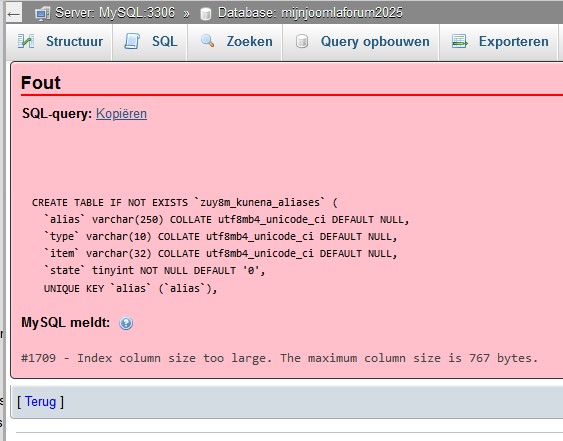
If I test the one used here locally in wampserver, I also get a message specified was to long at certain sites.
But after switching to the standard template, have you assigned it to all pages?
And I understand that you can access the backend?
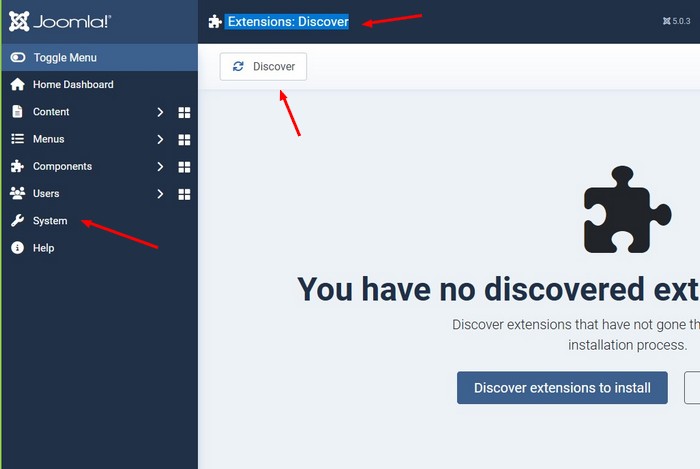
If you go to the System Dashboard > Extensions: Discover
and when you press the 'Search' button, more updates will come up?
and also try this at Extensions: Update
With kind regards
Leen
Please Log in or Create an account to join the conversation.
It seems to have something to do with the database upgrade and perhaps not all the Kunena tables were converted properly. The first error I saw (shown ealier in this thread) was that the "specified key was too long" so not sure if it that related to utf8mb4 or something else.
Is it possible the tables did not convert properly causing them to be corrupted? I fear I may have to completely wipe Kunena and start with a fresh install.
Please Log in or Create an account to join the conversation.