
Kunena 7.0.6 & Kunena 6.4.12 – Security Updates Released
The Kunena team has announce the arrival of Kunena 7.0.6 [K 7.0.6] in stable which is now available for download as a native Joomla extension for J! 5.4.x/6.0.x. This version addresses most of the issues that were discovered in K 6.2 / K 6.3 / K 6.4 and issues discovered during the last development stages of K 7.0.
The Kunena team is also pleased to announce the twelfth version of Kunena 6.4, a native Joomla extension for Joomla! 5.0, 5.1, 5.2, 5.3, 5.4 and 6.0.
Solved blanc page after safe as copy a category


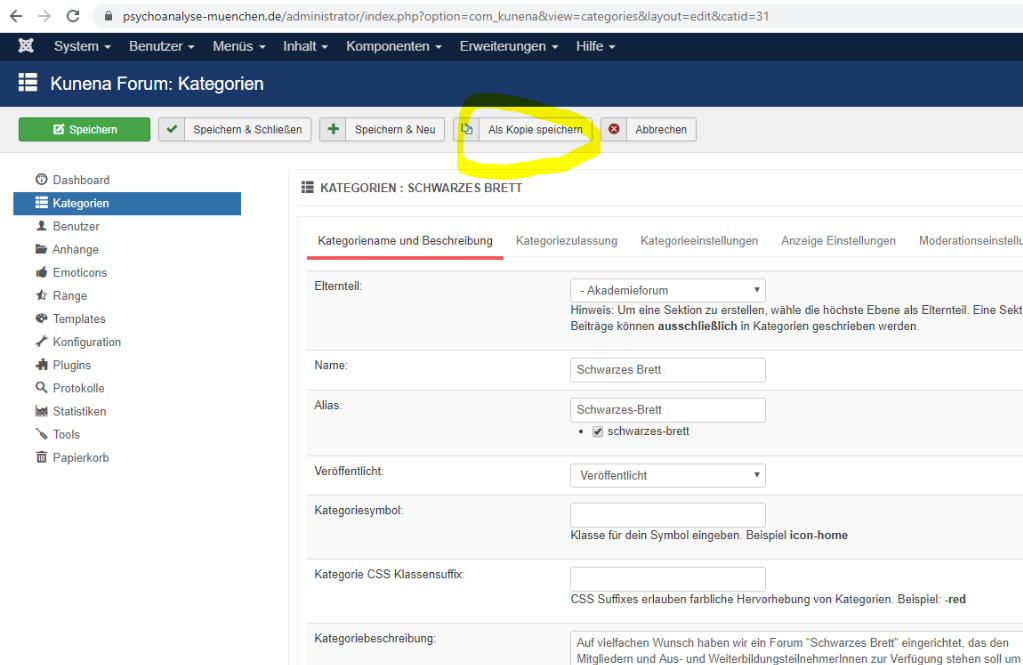
I have a category that I want to safe as copy. see pic. after doing this the whole kunena display in frontend is off and backend is broken, for ex I cannot open categories in dashboard anymore and some more probs. What am I doing wrong? This is a very ussuall procedure in joonla to safe as copy. why here in kunena it does not work?
regards, martin
Please Log in or Create an account to join the conversation.


- Posts: 12287
- Thank you received: 2535
You get a blank page if you want to install Kunena
You get a blank page after safe a copy of a category
You get redirects to your hoster in the backend menu items and categories
I've noticed in your configuration report "Max execution memory: is -1". This should be a minimum 32M not a minus value.
docs.kunena.org/en/basics/requirements
Check also the folder permissions. By default Kunena will install with 755 and 644 permissions for folders and files respectively.
Important! Always create a backup before you make any changes to your website!
Please Log in or Create an account to join the conversation.
thnx. I changed the memory limit to 512MB, you can check this here: www.psychoanalyse-muenchen.de/phpinfo.php
I checked the permissions: all the folders have 755, this should be ok and I havent changed anything anyway.
I try to explain again:
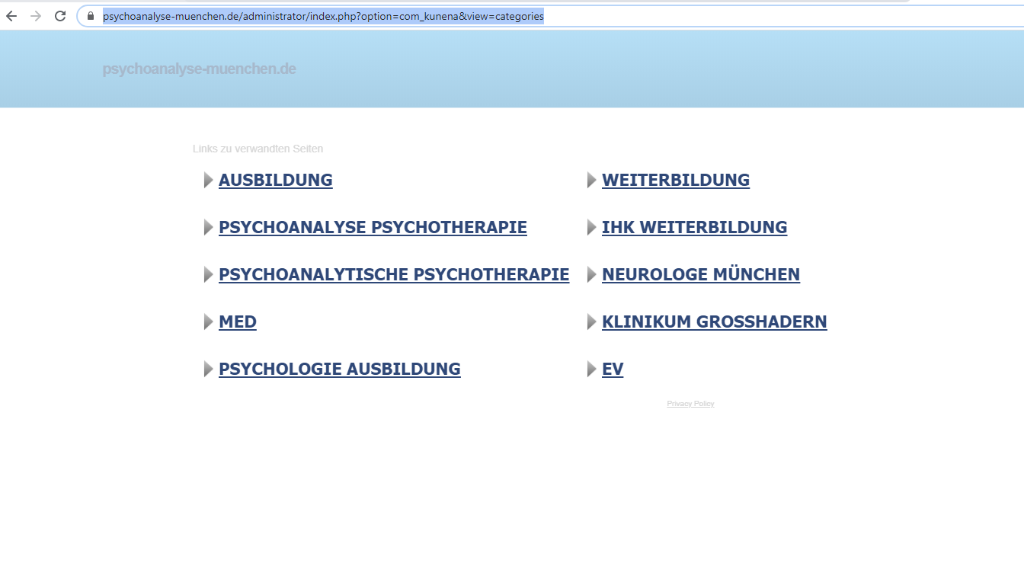
Imagine you want to create a new category. So you go to backend>kunena>categories. There I opened one category and tried to safe it as copy, then it loads a long time and finally it comes to this path: www.psychoanalyse-muenchen.de/administra...nena&view=categories . view see img
I tried to create a new category, I clicked on safe button and again the whole system breakes down.
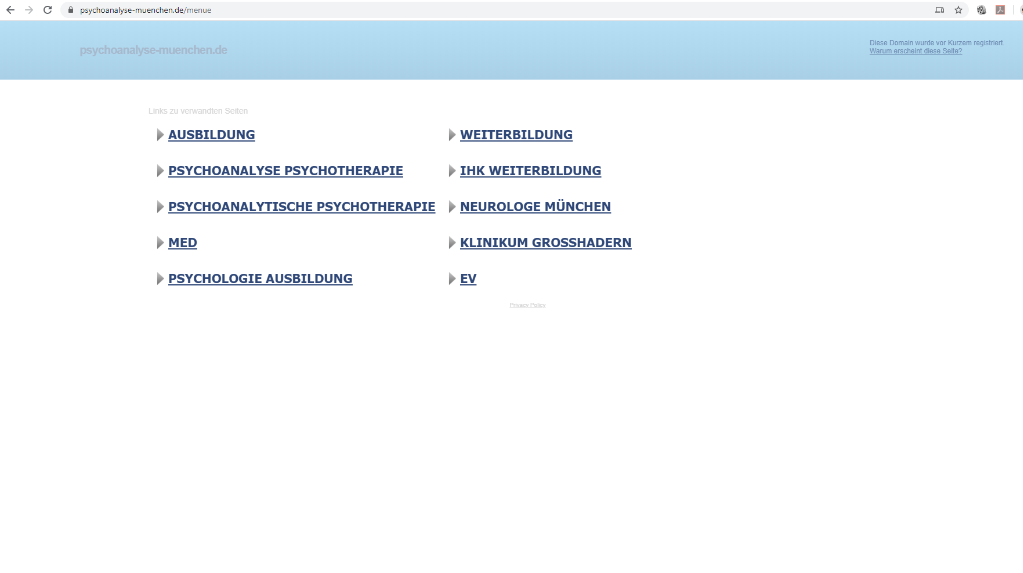
In frontend the forum looks like this: see img "url.PNG"
I went to database, deleted the kunena category table and inserted a backup of this table, then it works again but with same errors like above, means i cant save the new categories (and maybe even more things dont work...)
Please Log in or Create an account to join the conversation.
- Posts: 12287
- Thank you received: 2535
Then to Joomla Global Configuration (tab Server) and set Error Reporting to Maximum. Afterwards try to create a new category. Maybe you get an error message which can localize the error.
Supplement:
This is only a vague guess. I've searched here in the forum and found only a second user which uses php 7.2.28. Admittedly he has not the same problem, but in the broadest sense a routing problem.
Is it possible for you to switch to another php version to test?
Important! Always create a backup before you make any changes to your website!
Please Log in or Create an account to join the conversation.
I checked database already before and again, everything is ok.
I also changed php Version from 7.2 to 7.3., no change.
I set error report to maximum and now I dont have access to backend anymore, just I have a blnc page with this information:
Warning: ini_set(): A session is active. You cannot change the session module's ini settings at this time in /homepages/33/d134278986/htdocs/psycho2020/libraries/joomla/session/handler/joomla.php on line 48
Warning: Cannot modify header information - headers already sent by (output started at /homepages/33/d134278986/htdocs/psycho2020/libraries/joomla/session/handler/joomla.php:48) in /homepages/33/d134278986/htdocs/psycho2020/libraries/joomla/session/handler/joomla.php on line 112
Warning: session_name(): Cannot change session name when headers already sent in /homepages/33/d134278986/htdocs/psycho2020/libraries/joomla/session/handler/native.php on line 128
Warning: session_cache_limiter(): Cannot change cache limiter when headers already sent in /homepages/33/d134278986/htdocs/psycho2020/libraries/joomla/session/handler/native.php on line 235
Error: Failed to start application: Failed to start the session because headers have already been sent by "/homepages/33/d134278986/htdocs/psycho2020/libraries/joomla/session/handler/joomla.php" at line 48.
I will try to reset this and be back
regards, martin
Please Log in or Create an account to join the conversation.
I tried to set error report to simple but also then I get only a message on a blank page and I cannot return to joomla backend.
Please Log in or Create an account to join the conversation.