


- Posts: 5
- Thank you received: 0
Kunena 7.0.6 & Kunena 6.4.12 – Security Updates Released
The Kunena team has announce the arrival of Kunena 7.0.6 [K 7.0.6] in stable which is now available for download as a native Joomla extension for J! 5.4.x/6.0.x. This version addresses most of the issues that were discovered in K 6.2 / K 6.3 / K 6.4 and issues discovered during the last development stages of K 7.0.
The Kunena team is also pleased to announce the twelfth version of Kunena 6.4, a native Joomla extension for Joomla! 5.0, 5.1, 5.2, 5.3, 5.4 and 6.0.
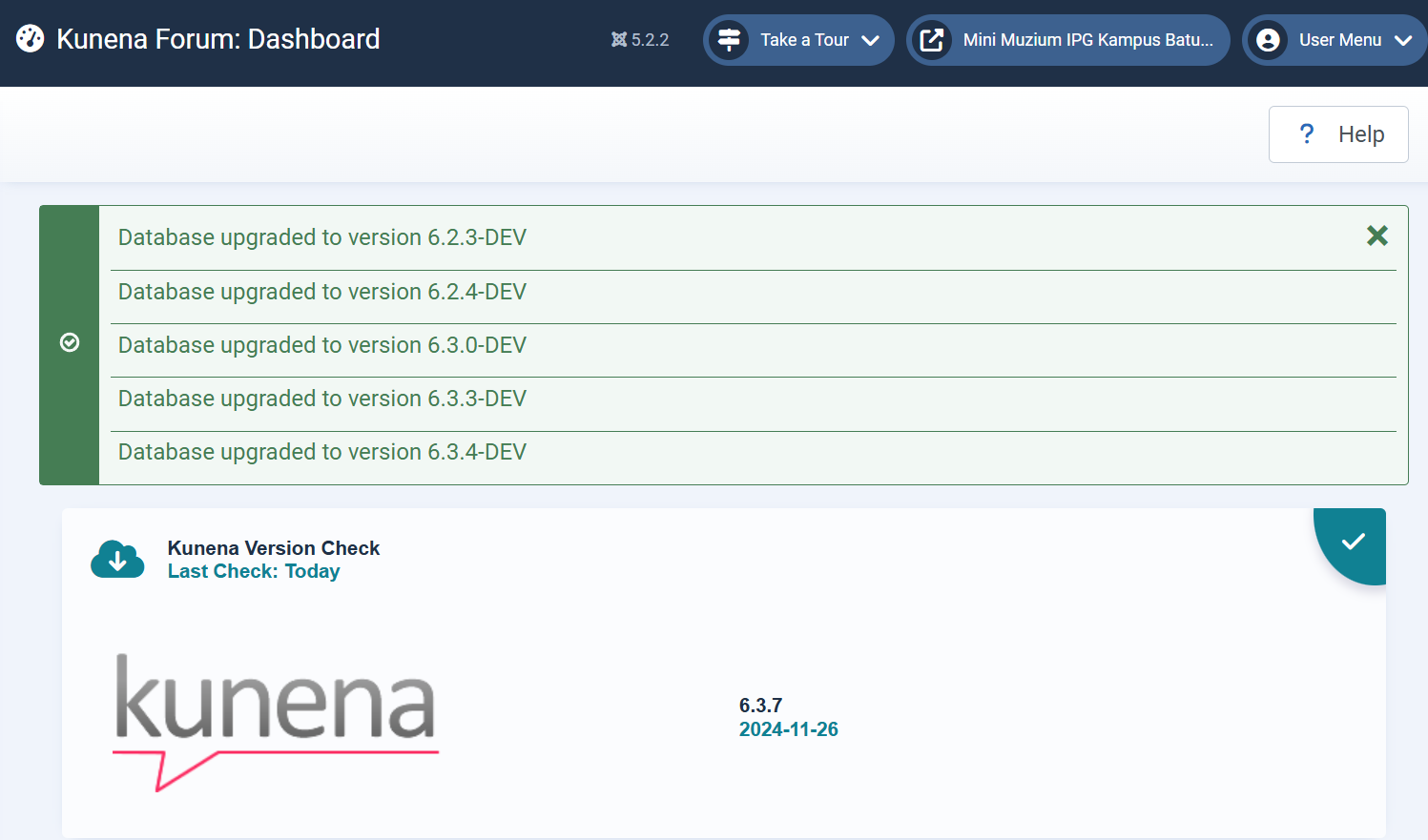
Question Unable to write new or edit messages
1 year 6 months ago - 1 year 6 months ago #232571
by habids
Unable to write new or edit messages was created by habids
hi,
Before update to Kunena latest version, I always having reminder to update CKEditor but I ignore it. But Kunena running find. After update the kunena to latest version, all New Messages and Editing messages just come up with blank. I can't create or editing messages.
This is blank kunena when editing or create new messages.
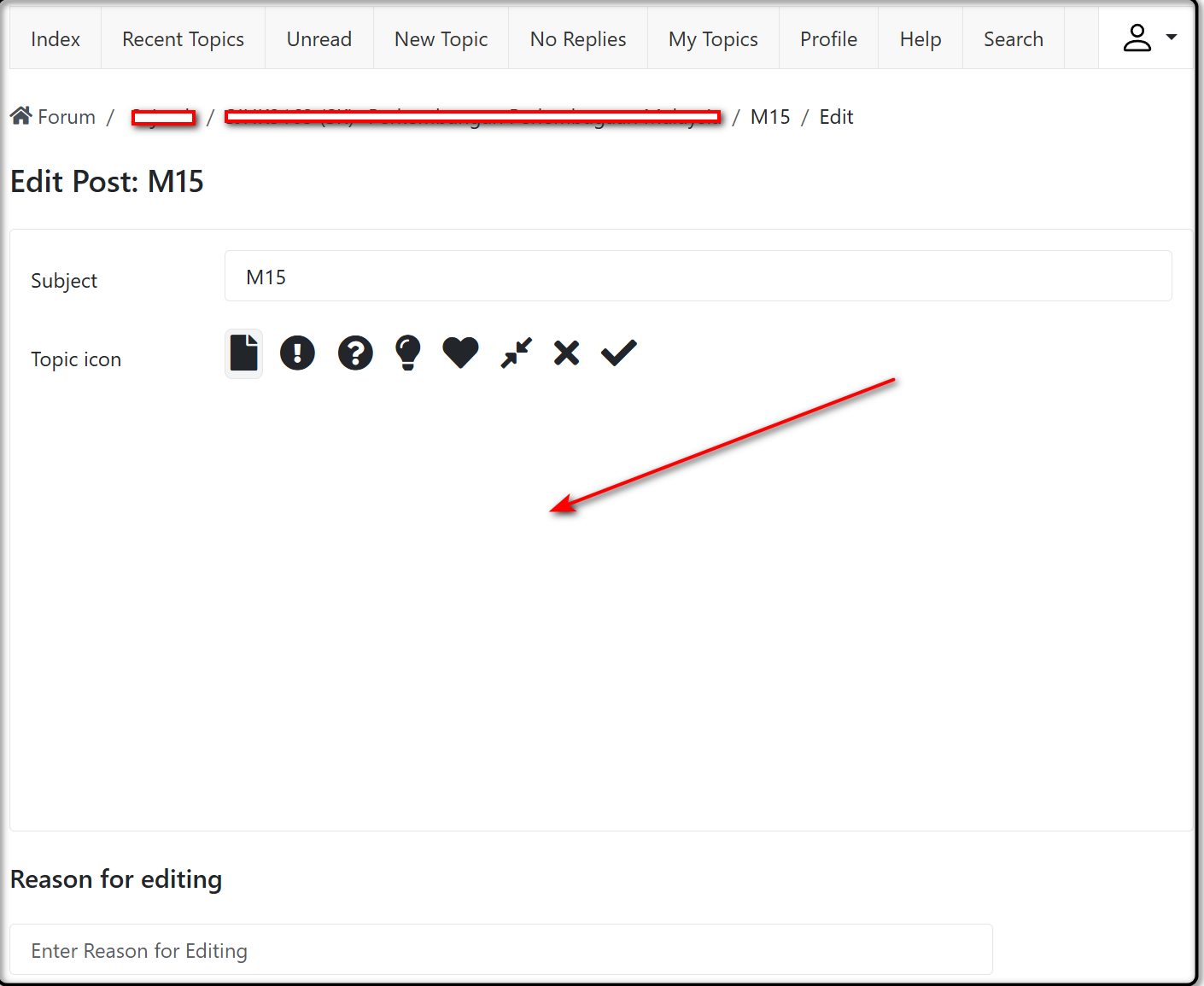
Before update to Kunena latest version, I always having reminder to update CKEditor but I ignore it. But Kunena running find. After update the kunena to latest version, all New Messages and Editing messages just come up with blank. I can't create or editing messages.
This is blank kunena when editing or create new messages.
Last edit: 1 year 6 months ago by habids.
Please Log in or Create an account to join the conversation.


Less
More
- Posts: 976
- Thank you received: 153
1 year 6 months ago #232573
by Pinkeltje
If you set editor to SCEditor, do you see the toolbar?
Replied by Pinkeltje on topic Unable to write new or edit messages
That is not coming from Kunena. CKEditor is included in the Kunena package.I always having reminder to update CKEditor but I ignore it
If you set editor to SCEditor, do you see the toolbar?
Please Log in or Create an account to join the conversation.
1 year 6 months ago #232579
by habids
Replied by habids on topic Unable to write new or edit messages
hi, thank you to Pinkeltje. After update the Joomla, no more reminder.
Actually it is hidden because my PC. After remove and clean all the briwsing data after that I can see full editor and its fully functional.
I also change the editor and it can be use also.
Thank you very much.
Solve
Actually it is hidden because my PC. After remove and clean all the briwsing data after that I can see full editor and its fully functional.
I also change the editor and it can be use also.
Thank you very much.
Solve
Please Log in or Create an account to join the conversation.
- 9themestore
-

- Offline
- Premium Member
-

1 year 6 months ago #232580
by 9themestore
- Please provide your site url if it has been lived.
- Please share tip if it worked fine with you.
- Don't be shy about using the "Thanks" button below if you found my comment helpful
Replied by 9themestore on topic Unable to write new or edit messages
Hi @habids,
I think the main reason is style conflict. Try adding the below code to the custom.css file or template.css file in the current joomla template to see if it fixes the error.
Kind regards,
I think the main reason is style conflict. Try adding the below code to the custom.css file or template.css file in the current joomla template to see if it fixes the error.
Code:
#kunena.layout .active.fade { opacity: 1 !important; }
Kind regards,
- Please provide your site url if it has been lived.
- Please share tip if it worked fine with you.
- Don't be shy about using the "Thanks" button below if you found my comment helpful
Please Log in or Create an account to join the conversation.
Time to create page: 0.271 seconds