Kunena 7.0.4 Released

The Kunena team has announce the arrival of Kunena 7.0.4 [K 7.0.4] in stable which is now available for download as a native Joomla extension for J! 5.4.x/6.0.x. This version addresses most of the issues that were discovered in K 6.2 / K 6.3 / K 6.4 and issues discovered during the last development stages of K 7.0

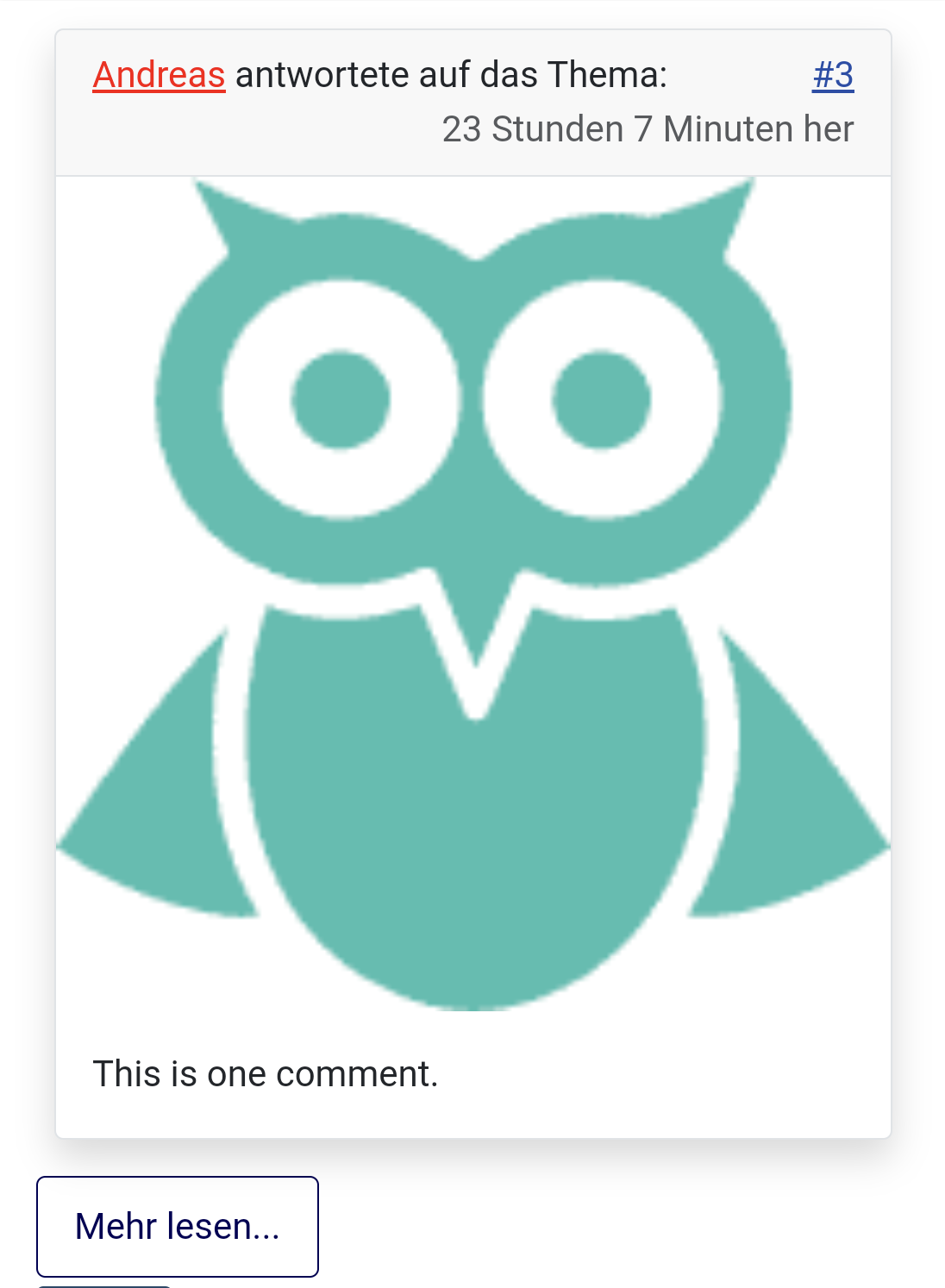
Solved Avatar ist zu groß bei Kunena Diskuss in der mobilen Ansicht
More
1 year 7 months ago - 1 year 7 months ago #232242 by Opendreas
Hallo,wenn ich in den Kunena Diskuss Einstellungen die Anzeige von Beiträgen unter dem Artikel einstelle, dann ist der Avatar in der mobilen Darstellung zu groß, in der Desktop-Darstellung ist alles in Ordnung.
Last edit: 1 year 7 months ago by Opendreas.

Please Log in or Create an account to join the conversation.

More
1 year 7 months ago - 1 year 7 months ago #232243 by Pinkeltje
Can be solved by adding on of these definitions to your templates custom css
Code:
@media (max-width:480px){ .kunenadiscuss .avatar > img{   width:20%;   height:20%; } } @media (max-width:480px){   .kunenadiscuss .avatar > img{  display:none; } }
Last edit: 1 year 7 months ago by Pinkeltje.
The following user(s) said Thank You: Opendreas

Please Log in or Create an account to join the conversation.

More
1 year 7 months ago #232244 by Opendreas
Thanks for your help.I changed the code a little
Code:
@media (max-width: 768px) {   .kunenadiscuss .avatar > img {    width: 10%;   } } @media (max-width: 320px){   .kunenadiscuss .avatar > img{    display:none;  } }

Please Log in or Create an account to join the conversation.

Time to create page: 0.254 seconds
